
Planning an event is exciting, but managing ticket sales can sometimes feel complicated. From handling payments to keeping track of attendees, doing everything manually can take a lot of time and effort. That’s why many event organizers today prefer selling event tickets online.
With an online ticketing platform like Wowsly, the entire process becomes simple and fast. You can create your event, set ticket prices, accept secure payments, and manage entries using QR codes—all from your mobile or computer. Whether you are organizing a Navratri event, concert, workshop, college fest, or private party, online ticketing helps you reach more people and manage your event smoothly.
In this guide, we will explain how to sell event tickets online step by step using Wowsly, in very easy and simple language.
Why Sell Event Tickets Online?
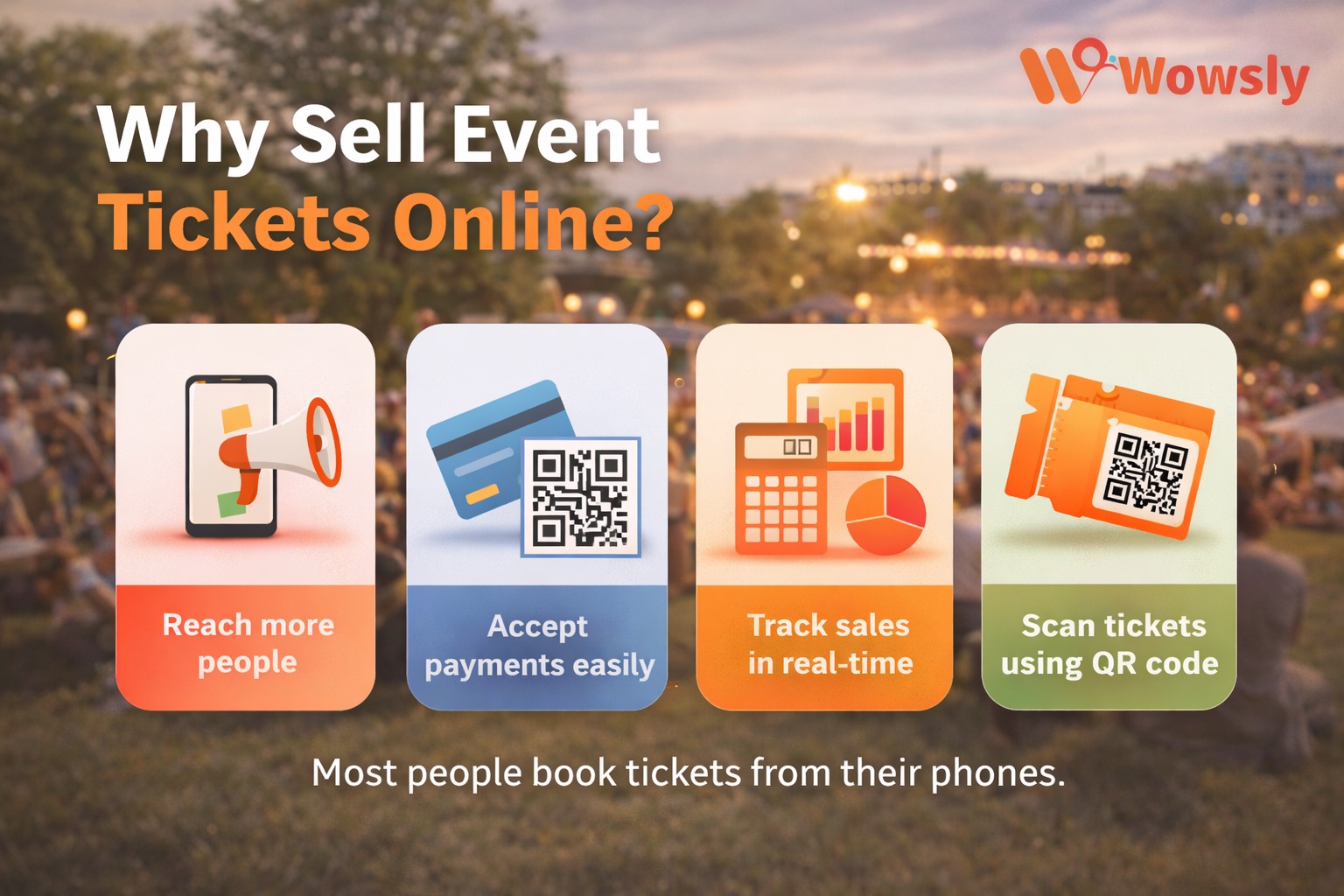
Today, most people book tickets from their mobile phones. Online ticket selling helps you:
- Reach more people
- Accept payments easily
- Avoid manual cash handling
- Track ticket sales in real-time
- Scan tickets using QR code
Whether you are organizing a concert, Navratri event, workshop, seminar, wedding function, or private party, online ticketing makes everything smooth.
Step-by-Step: How to Sell Event Tickets Online
Step 1: Choose the Right Ticketing Platform
First, choose a trusted ticketing platform like Wowsly.
Wowsly is easy to use and perfect for:
- Garba & Navratri events
- Holi parties
- Concerts
- College fests
- Corporate events
- Private functions
Step 2: Create Your Event
After signing up on Wowsly:
- Add Event Name
- Add Date & Time
- Add Venue Details
- Upload Event Poster
- Write a simple event description
Make sure your description clearly explains:
- What the event is about
- Who can attend
- Ticket price
- Any special rules
Keep it short and clear.
Step 3: Create Ticket Types
You can create different ticket categories like:
- Early Bird Ticket
- Regular Ticket
- VIP Pass
- Group Ticket
You can set:
- Price
- Quantity limit
- Last date of sale
This helps you manage your audience easily.
Step 4: Set Online Payment
Wowsly allows secure online payments.
Buyers can pay using:
- UPI
- Debit Card
- Credit Card
- Net Banking
Once payment is successful, tickets are automatically sent to:
This saves your time and avoids manual work.
Step 5: Share Your Event Link
Now your event is live!
You can share your ticket link on:
- Website
- Telegram
You can also run ads to increase ticket sales.
Step 6: Use QR Code for Entry
Each ticket on Wowsly comes with a unique QR code.
At the event entry:
- Scan the QR code
- Verify the ticket instantly
- Avoid duplicate entries
This makes entry fast and professional.
Tips to Increase Ticket Sales
Here are some simple tips:
✔ Post regularly on social media✔ Share countdown stories✔ Offer early bird discounts✔ Use attractive event posters✔ Add clear event details✔ Create urgency like “Limited Seats Available”
Benefits of Using Wowsly
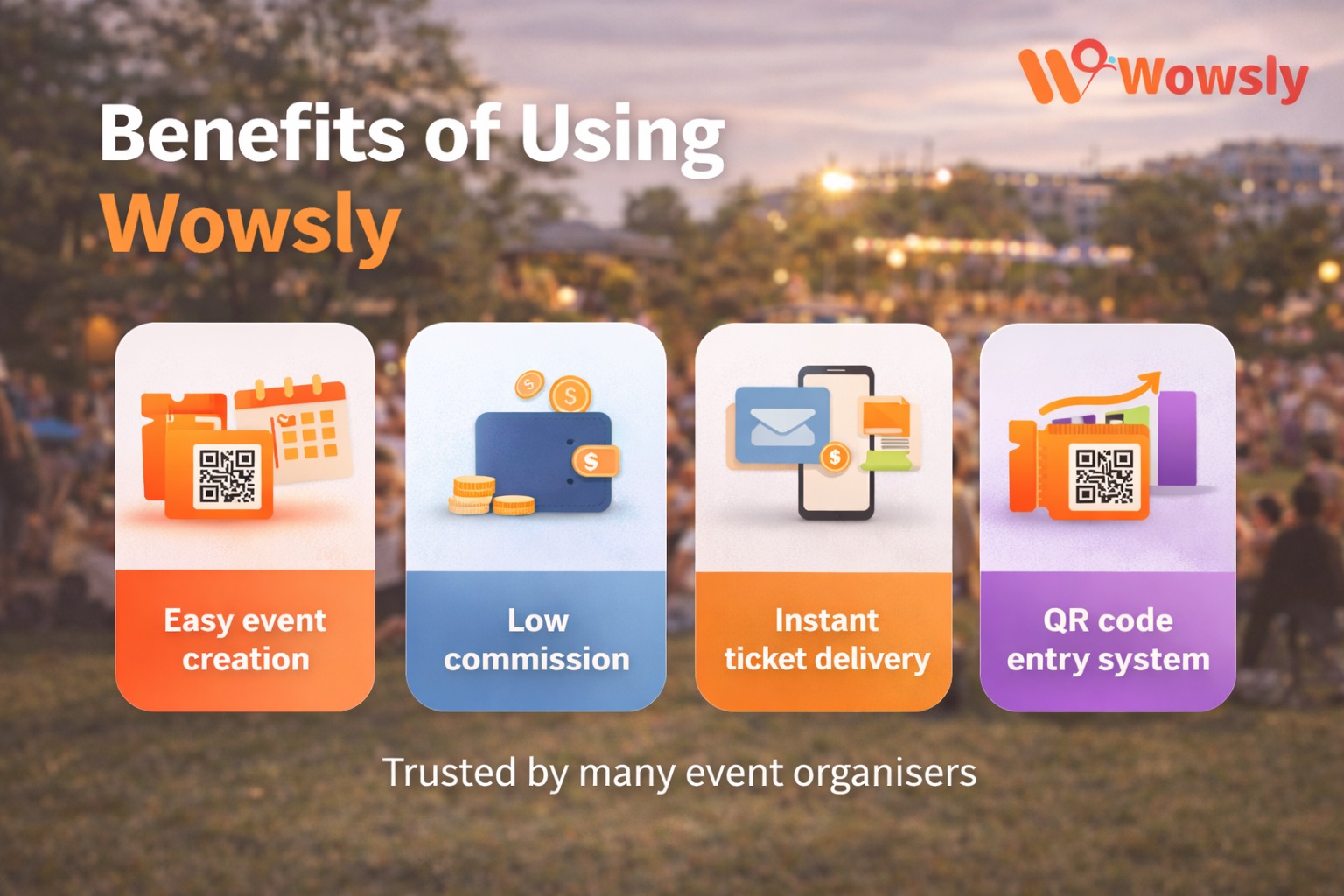
- Easy event creation
- Low commission
- Instant ticket delivery
- QR code entry system
- Real-time sales tracking
- Trusted by many event organisers
Even if you are organising your first event, you can easily manage everything from your mobile.
Is It Safe to Sell Tickets Online?
Yes, it is safe when you use a trusted platform like Wowsly.
Payments are secure, and tickets are automatically generated. You don’t need to worry about fake bookings or manual errors.
FAQ Section 1. How can I sell event tickets online easily?
You can sell event tickets online by using a trusted platform like Wowsly. Simply create your event, add ticket details, set prices, and share your event link.
2. Is it safe to sell tickets online?
Yes, it is safe when you use a secure ticketing platform. Payments are processed online, and tickets are automatically generated with QR codes to avoid duplication.
3. How do customers receive their tickets after payment?
After successful payment, customers receive their tickets instantly via email and WhatsApp with a unique QR code.
4. Can I create different ticket types for my event?
Yes, you can create multiple ticket categories like Early Bird, VIP, Regular, or Group tickets and set different prices and limits.
5. How do I check tickets at the event entry?
Each ticket comes with a unique QR code. You can scan the QR code at the entry gate to verify and allow access quickly.
6. What types of events can I sell tickets for?
You can sell tickets for concerts, Navratri events, Holi parties, seminars, college fests, corporate events, and private functions.
Selling event tickets online is no longer difficult. With the help of Wowsly, you can create, manage, and sell tickets without stress.
If you are planning an event, start selling tickets online today and make your event successful.
👉 Create your event now and start selling with Wowsly!
Author :👤 Nilesh Tripathi
Founder, Wowsly
15+ Years in Technology & Event Solutions
Helping organizations simplify event managementthrough registrations, ticketing, QR check-ins,and event technology.